National News
BREAKING: JAMB releases Thursday’s 2026 UTME results of over 600,000 candidates(How to check JAMB score)

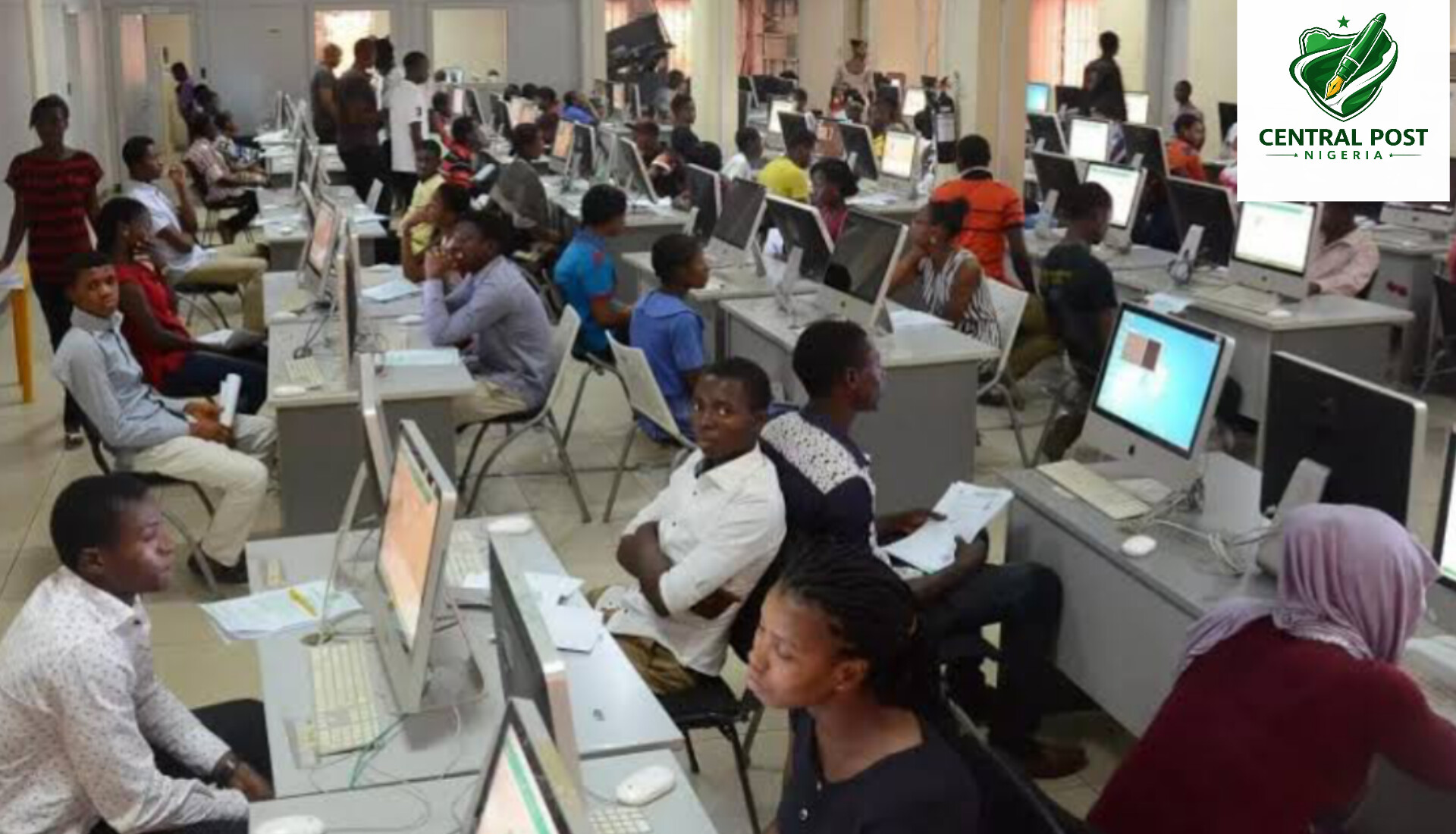
Joint Admissions and Matriculation Board has officially announced the release of results of the candidates who participated in the 2026 UTME examination.
According to information from the body, 632,788 results have been released to date (Thursday 16th April, 2026), making it possible for many candidates to now see how they performed in the highly awaited exam.
“Candidates can check their results using the easy way of checking via SMS.” said the Spokesperson of JAMB, Fabian Benjamin in a press statement issued on Friday.
To see their results, candidates are instructed to send “UTMERESULT” to 55019 or 66019 from the same phone number which was used during their registration.
JAMB further emphasized that at this stage, candidates are only able to see their results but printing is still not available.
It equally cautioned against any attempt to hack and/or modify the result sent to you by SMS through its platforms as it is punishable by law.
“Candidates are strongly cautioned against manipulating the SMS received from the official platform (55019/66019) to fabricate or alter scores with the intent to mislead others, including parents. Such actions constitute a serious criminal offence,” the statement said.
The Board added that it is already taking action against offenders, revealing that some suspects are currently in custody.
“Currently, two candidates and one parent are in custody for engaging in result falsification using AI and other electronic means. Any candidate found culpable will face the full consequences of the law,” it stated.
JAMB further assured that the examination process is still ongoing and that results will continue to be released in batches as they are processed.
Here are simple steps to check your 2026 UTME result released by the Joint Admissions and Matriculation Board (JAMB):
Method 1: Check via SMS (Official & Easiest Way)
- Open your phone’s SMS app
- Type UTMERESULT (in capital letters)
- Send it to 55019 or 66019
- Make sure you use the same phone number (SIM) you used during JAMB registration
- Wait for a reply — your result will be sent to you via SMS
Note: You may be charged a small SMS fee.
Method 2: Check Online (Optional)
- Visit the official JAMB portal
- Log in with your registration details
- Click on “Check UTME Result”
- Your result will be displayed on the screen
Important Tips
- Always use the registered phone number
- Ensure you have airtime before sending the SMS
- Avoid unofficial websites to prevent scams

2027: Obi-Kwankwaso Movement names 59-member Presidential Campaign council

Taraba mining pit collapse leaves 20 feared dead, trapped

Tinubu directs 180-day plan for digital free zones initiative

Why Aisha Buhari visited me, Atiku reveals

Nigeria’s Falconets beat England 3-0 to advance to World Cup Quarter-Finals

FAAC shares N2.338tn August revenue among FG, States, LGs

Lagos APC unveils 2027 campaign council, names Sanwo-Olu, Fashola, Ambode, Gbajabiamila

Nigerian Army rescues 22 kidnap victims in Niger

Tinubu: I did not submit fake NYSC certificate to INEC

National Assembly forwards 2026 Constitution Amendment Bill to States

Resident doctors shut down LASUTH over unpaid allowances

Shettima arrives Nigeria after attending BRICS Summit in India

FG signs N729bn bond to clear power sector debts

Three vigilantes die in fresh attack in Plateau community

Benue: Troops rescue seven kidnap victims from criminal hideout

Nollywood Veteran Olu Jacobs dies at 84

Workers shut Education Ministry entrance, demand Alaussa’s removal

Gunmen attack Imo community, kill two, injure several others

Anambra govt releases records of alleged unpaid debts incurred under Peter Obi
